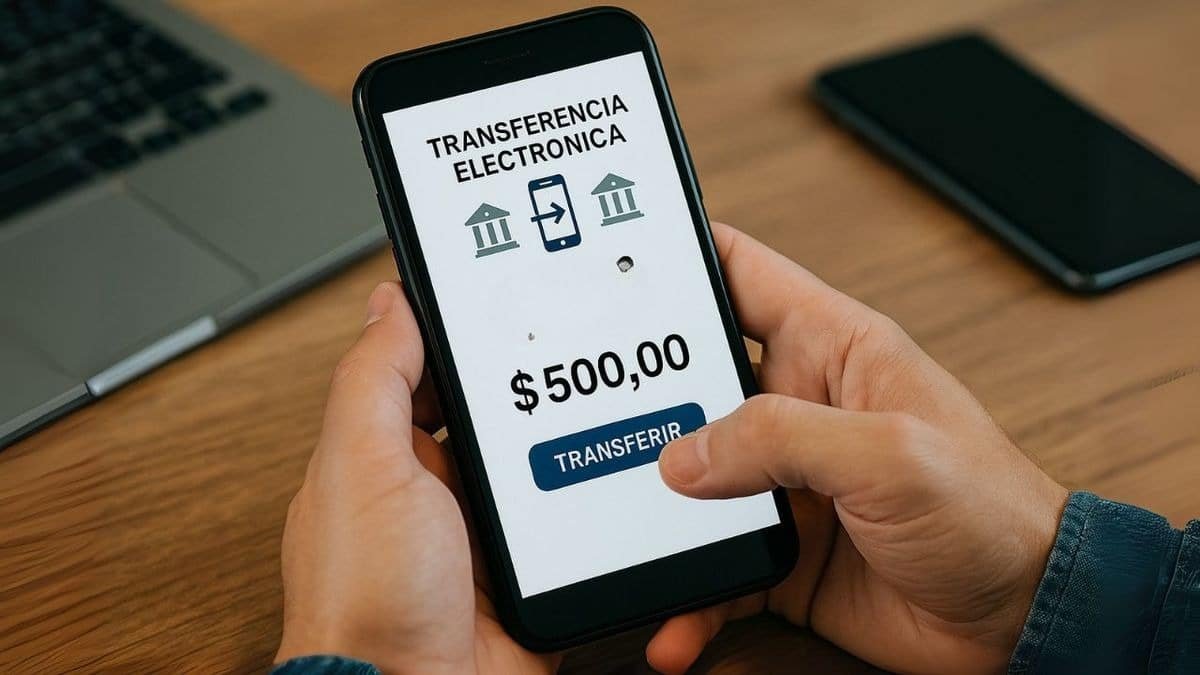
Mexico City — Starting January 1, 2026, banks in Mexico will be authorized to block transfers made from mobile applications if customers do not activate the User Transaction Amount (MTU), a new mandatory security mechanism.
The measure is part of a regulatory update issued by the National Banking and Securities Commission (CNBV) and published in the Official Gazette of the Federation (DOF) on June 14, 2024. Since then, financial institutions have been working to adapt their systems to monitor and control the volume of digital transfers.
Why Banks Could Block Your Transfers
The MTU establishes a personalized monthly limit for each user, based on their transaction history and financial behavior. Its objective is to reduce electronic fraud and unrecognized operations, which have been increasing in recent years.
If a person exceeds the amount defined in their MTU, the bank may apply various security measures, including:
- Requesting additional validation to release the operation
- Temporarily holding the transfer to confirm its authenticity
- Blocking transfers if considered a risky operation
These actions do not seek to restrict the use of money, but rather to prevent irregular movements and protect users from possible fraud.
Which Accounts Should Not Activate MTU
The regulation establishes exceptions. Level 1 accounts, as well as products linked to them, will not be required to activate the MTU.
This type of account is designed for basic operations, with predefined monthly deposit limits. They are typically used by young people, individuals without credit history, or workers with low incomes, and are characterized by requiring fewer requirements for opening.
How to Change or Activate MTU Step by Step
Each bank has enabled an option within its mobile application to consult and modify the MTU. Although the menu name may vary, the general procedure is as follows:
- Enter the banking app with your access credentials
- Go to the “Security,” “Transfer Limits,” or “Account Settings” section
- Select the option to modify the MTU
- Define the new monthly transfer limit
- Confirm the change with token, dynamic code, or biometrics
The CNBV indicates that this mechanism allows users to have greater control over their operations and prevents third parties from making transfers for high amounts without authorization.
Does MTU Affect Card Payments or Withdrawals
The MTU only applies to electronic transfers made from mobile applications or online banking platforms. It does not impact other operations such as:
- Payments at branch counters
- Purchases with debit cards in physical or online stores
- Cash withdrawals at ATMs
In these cases, the money will remain available without changes. The MTU only regulates the total amount of digital transfers that a person can make each month from their electronic banking.
Discover more from Riviera Maya News & Events
Subscribe to get the latest posts sent to your email.